How to report Instagram extortion, step by step
To report Instagram extortion, stop replying and save the threats as screenshots, then open the account, tap the three dots, choose Report, and pick the option about a threat or someone sharing private images. After the in-app report, take the crime to the police. Never pay, and skip any "report bot".
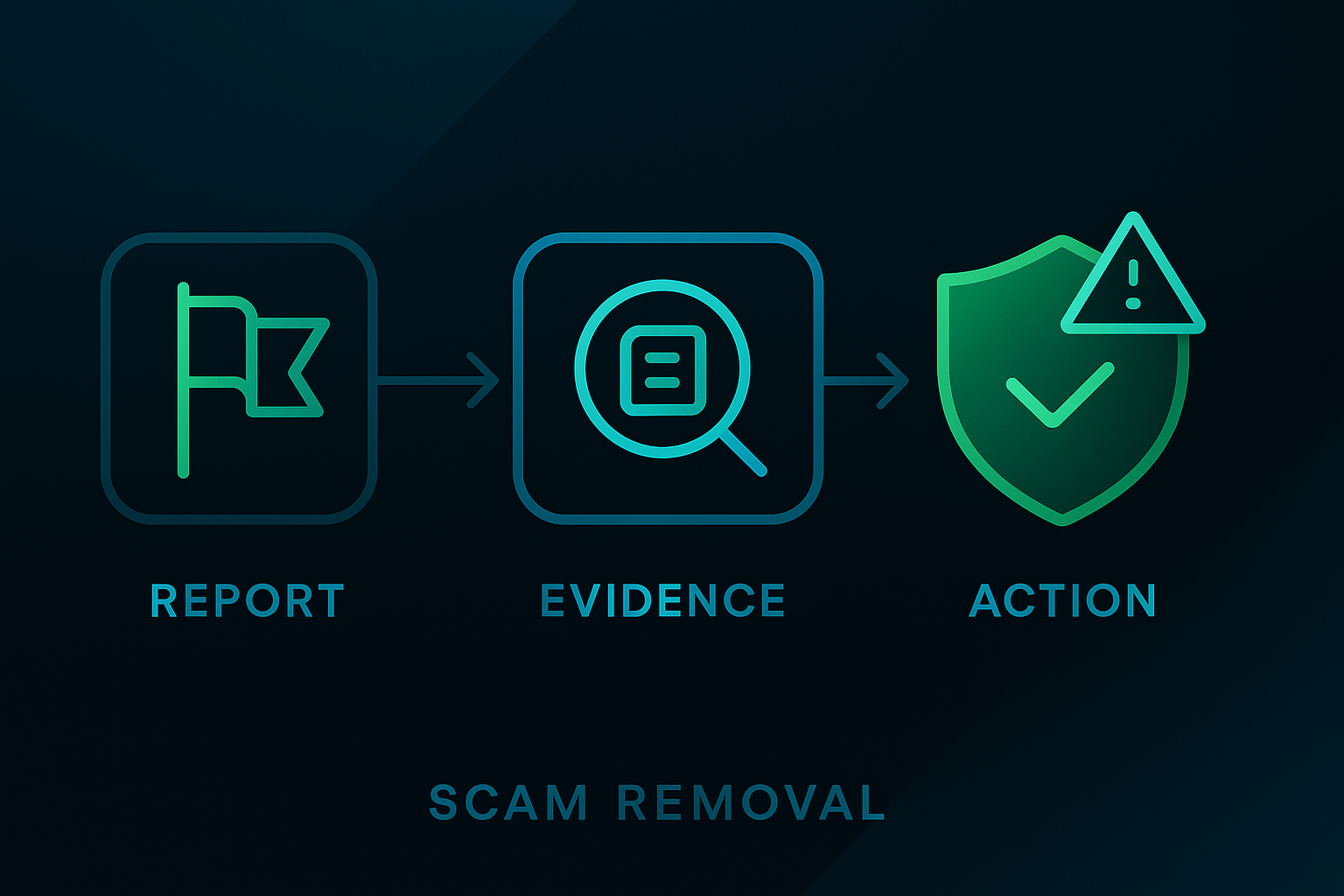
Extortion on Instagram usually starts warm and turns cold fast. A flirty new follower, a "leaked photos" warning, or a fake brand-deal DM softens you up, then comes the demand: pay, or the photos and contacts get sent to everyone you know. The pressure is the whole game. This guide walks the exact moves that work, in order, and explains why the "Instagram report bot" panels sold to scared people are a trap rather than a fix.
What are the warning signs an Instagram contact is an extortionist?
Most Instagram extortion follows the same script, so spotting it early lets you stop before any money or images change hands. Watch for these red flags:
- An attractive new follower who pivots fast to flirting, then to a video chat or "send a photo" request.
- "I already have your photos / contacts" — a claim designed to panic you into paying before you check whether it is even true.
- A threat to screen-record a private video call, or screenshots of your follower list waved as leverage.
- A fake brand-deal or "verification" DM that asks you to move to another app, share a code, or pay a "release fee".
- A hard countdown — "you have ten minutes" — because manufactured urgency is how the scam beats your judgement.
If two or more of these line up, treat it as extortion, not a real relationship, and move straight to the steps below.
What is the first thing to do when you are being extorted?
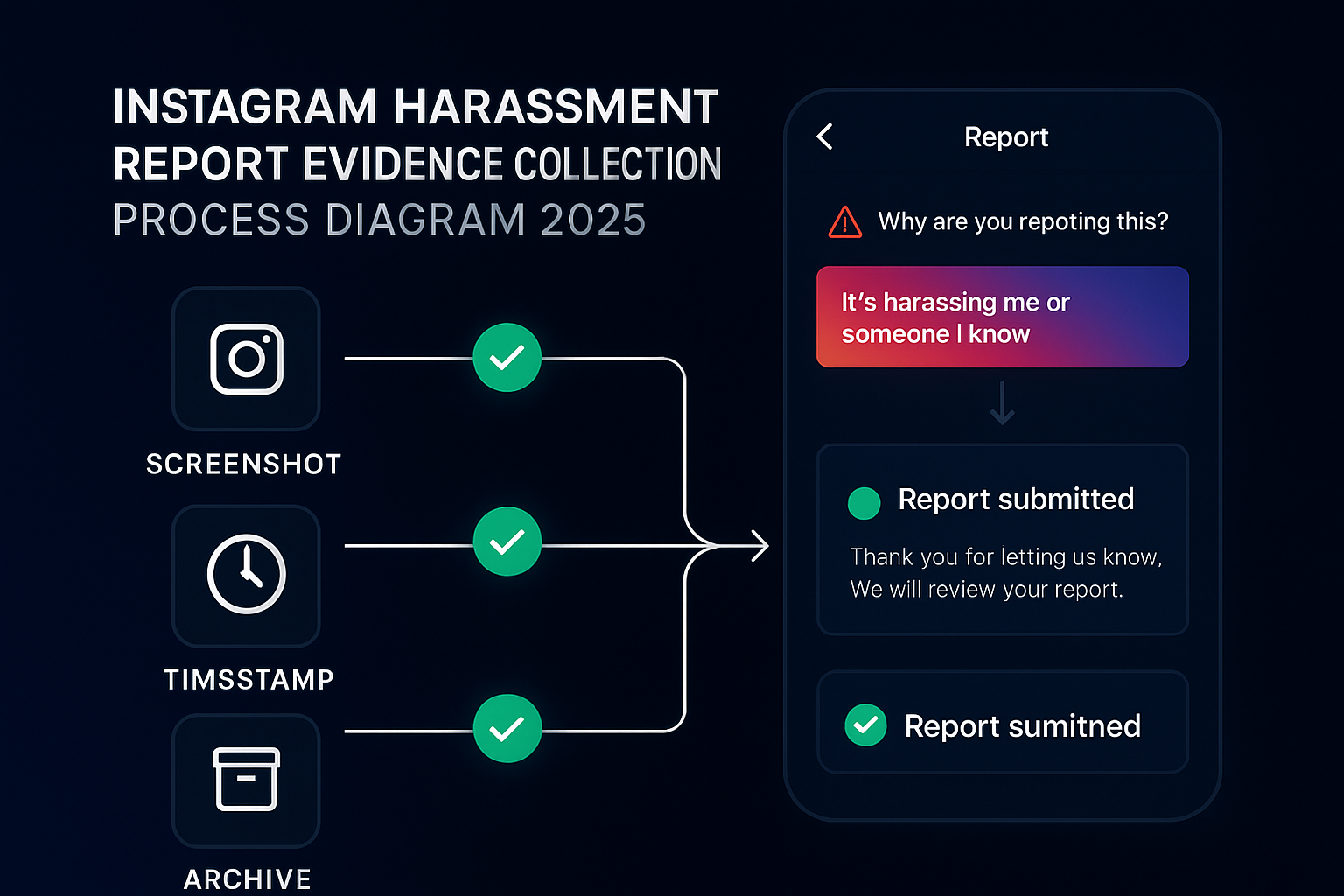
Stop responding and start documenting — that single shift takes power away from the blackmailer. Extortion runs on urgency, so the demand will say you have minutes to pay before everything leaks. You don't. Replying, negotiating, or paying tells the extortionist the threat is landing, and that almost always brings a second demand. Instead, screenshot the whole conversation: the @username, the profile, the threats, the payment links, the wallet addresses. Do not delete the chat or your account, because those messages are the evidence the police and Instagram will need. Then mute notifications from that person so the countdown stops rattling you, and decide your next move calmly rather than under a manufactured clock. Calm beats fast here.
How do you report sextortion on Instagram inside the app?
To report sextortion on Instagram, open the profile, tap the three-dot menu, choose Report, then pick the reason that it is threatening you or sharing private images, and submit. To report a single threatening message rather than the whole profile, open the chat, press and hold the message, tap Report, and choose the reason. On desktop the path is the same idea — open the profile, click the three-dot menu, then Report — though the app gives you the full set of reasons. Sextortion — where someone threatens to release intimate images unless you pay or send more — is one of the fastest-growing online crimes, and Instagram triages credible threats ahead of routine spam. The numbers are sobering: the FBI's Internet Crime Complaint Center received more than 75,000 sextortion-related submissions in 2025, including about 11,000 from people under 20, per the FBI IC3 2025 report. Reporting in the app is confidential, so the account never learns it was you. If the extortionist is impersonating someone to reach you, the full impersonation and blackmail report route covers that overlap.
Instagram also runs its own defences against this exact crime: nudity protection in DMs is on by default and blurs suspected intimate images, Teen Accounts limit who can message younger users, and the platform restricts adults from messaging teens who do not follow them. These features cut the risk but do not erase it, so an attacker who already has your images still needs the reporting, hashing and law-enforcement steps below.
How do you get the images blocked before they spread?
Hash the images so platforms can stop them from being uploaded, even if you never send them in. Two free tools do this without you handing over the photos themselves. For adults, StopNCII.org creates a digital fingerprint of an intimate image on your own device and shares only that hash with Instagram, Facebook, TikTok and other members, so matching uploads get blocked. If the person in the images was under 18 when they were taken, use NCMEC's Take It Down tool, which works the same way for minors. (Note the name clash: "Take It Down" here is NCMEC's hashing tool, not the federal TAKE IT DOWN Act covered in the next section — they are different things that work together.) Neither tool uploads your actual photos — the original never leaves your phone, and the hash can't be reversed back into a picture. Set this up early, before any deadline the blackmailer invents, and it keeps working in the background.
Does Instagram have to remove my images, and how fast?
Yes. Since 19 May 2026, the federal TAKE IT DOWN Act requires covered platforms like Instagram to remove a valid report of nonconsensual intimate images (NCII) — including AI-generated or "deepfake" versions — within 48 hours of a proper request, and to make reasonable efforts to remove known identical copies. This is a legal duty, not a courtesy: the Federal Trade Commission enforces it and can penalise platforms that fail to act. The Act (S.146, 119th Congress) was signed into law on 19 May 2025 and gave platforms a year to build their notice-and-removal process, with the FTC's enforcement starting on the 2026 deadline, per Orrick's legal analysis and the FTC's enforcement notice. So when you submit a clear NCII report through Instagram, you are not just asking a favour — you are exercising an enforceable 48-hour removal right. Keep your report specific and your evidence ready so the request reads as plainly valid.
Is there an Instagram report bot that bans the account?
No working Instagram report bot exists, and the panels advertised on Telegram and GitHub are dangerous to use. The pitch is seductive when you are frightened: pay a fee, the bot fires thousands of reports, the account vanishes. It doesn't happen. Instagram removes accounts for breaking the Community Guidelines or the law, not for the volume of flags they collect, so the bot scales the one input that has no effect on the outcome. Worse, two harms come baked in. Coordinated false reporting is misuse under Instagram's Terms, and many bot panels demand your login, then quietly steal the account you trusted them with. Handing your credentials to a stranger during an extortion crisis only widens the hole. If you have seen these tools, the breakdowns of the Instagram report bot myth and a wider coordinated mass report show why each one underdelivers against a single accurate report.
How do you report a phishing email pretending to be Instagram?
Forward the message to [email protected], then delete it without tapping any link inside. Phishing is how a lot of extortion starts: a fake "your account will be suspended" warning, a link to a lookalike login page, and suddenly the attacker holds your password and your private photos. Before you panic, confirm whether the email is even real. In the app, open Settings, then Security or Accounts Center, and tap Emails from Instagram to see every genuine email Instagram sent you in the last 14 days. If yours isn't on that list, it's fake. Already entered your password on a copycat page? Change it immediately, switch on two-factor authentication, and recover the account if you're locked out. Instagram's own phishing guidance spells out the reporting address and the red flags to watch for.
Who do you report the extortion to outside Instagram?
Report the crime to the law-enforcement body that handles online offences where you live, because Instagram can pull the content while only the police can pursue the person. Treat the in-app report as step one and the criminal report as step two — they do different jobs. Match your country to the right route below, and keep every screenshot, username, link and transaction handy, because each of these bodies will ask for them.
| Where you are | Report extortion to | In an emergency |
|---|---|---|
| United States | FBI's IC3 at ic3.gov | Call 911 or local police |
| United Kingdom | Report Fraud (replaced Action Fraud, Dec 2025) or 101 | Call 999 |
| Australia | eSafety Commissioner | Call 000 |
| Child sexual exploitation (any country) | NCMEC's CyberTipline | Local police plus Take It Down |
This is not a rare problem. Extortion complaints to IC3 reached 89,129 in 2025 — nearly double the 48,223 logged in 2023 and the second-highest complaint category of the year — amid $20.9 billion in total reported internet-crime losses, up 26% on 2024 (FBI IC3 2025 report). Report even when the extortionist appears to be overseas: IC3 shares intelligence across borders, and your report still feeds the pattern-detection that takes whole rings down, so a foreign-looking account is a reason to report, not a reason to give up.
The FBI is blunt on paying: "Cooperating or paying rarely stops the blackmail and continued harassment." It also warns about for-profit "sextortion assistance" companies that charge heavy fees for what the police and non-profits do free. That warning is exactly why our role is to map the official path with you, not to charge you to make a threat disappear. If the same account is also part of a hacked-profile or username problem, the handle and squatting routes cover that corner.
How do you report cyber crime on Instagram and know it worked?
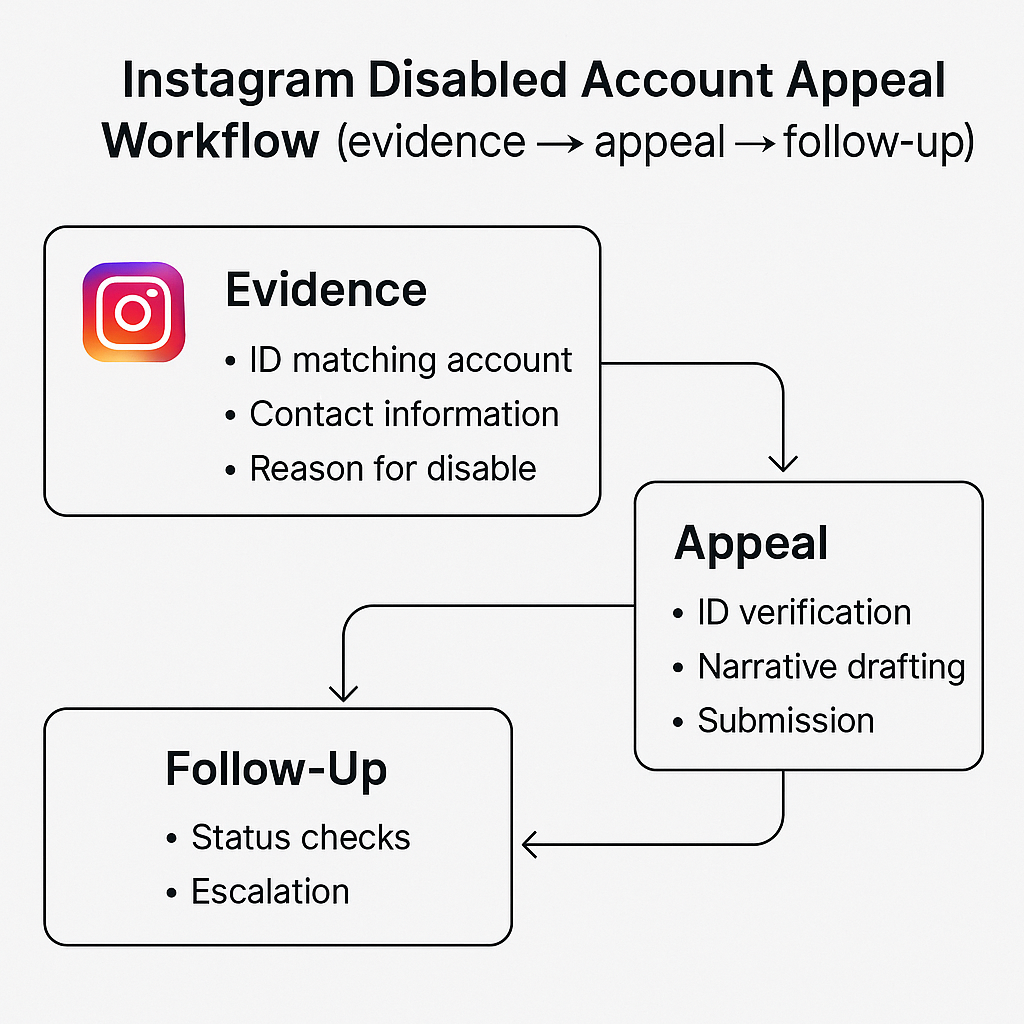
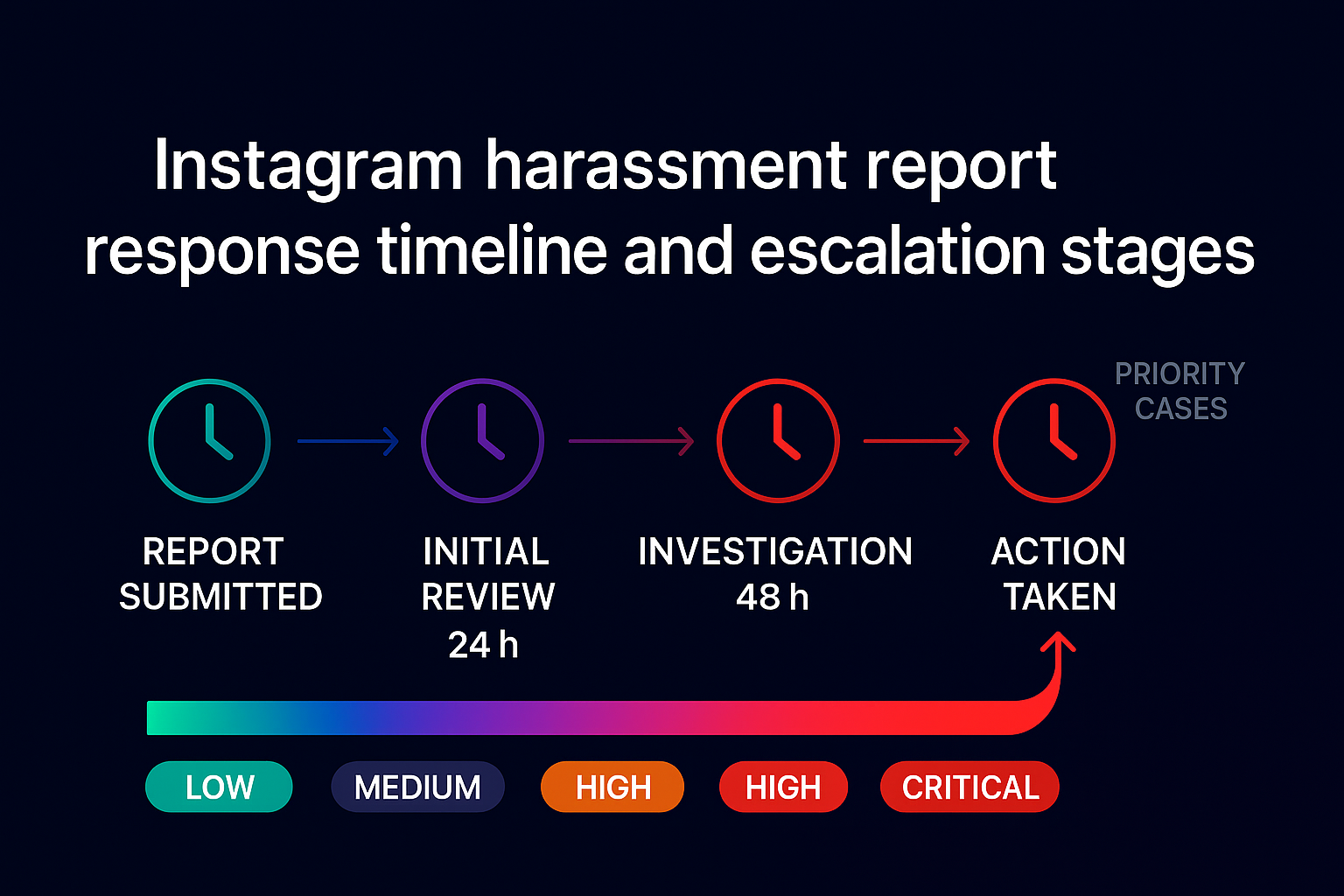
To report cyber crime on Instagram — extortion, fraud, threats, a hacked account — file it in the app, then with the authority that handles online crime in your country, and track the result in your Support Requests inbox. After you submit, the report goes to a blend of automated systems and human reviewers who measure it against the Community Guidelines. In the app, open Settings, then Help or Account Center, and look under Support Requests > Reports to see whether a decision has landed. The verdicts are narrow: no action, the content removed, a feature limit, or the account disabled for severe or repeated breaches. Often nothing visibly changes and you're left guessing, but a quiet "we reviewed this" is still a real review you can appeal. Don't expect a phone call — Instagram runs no public support line, only in-app reporting and the Help Center.
Where can you get support if you are being sextorted?
You are not alone, and the shame the extortionist is counting on is exactly what keeps victims silent — so reach out. In the United States, the 988 Suicide & Crisis Lifeline is free and confidential around the clock: call or text 988. You can also reach the Crisis Text Line by texting TRUST to 741741 to talk through the panic with a trained counsellor. This matters because the harm is real and rising — NCMEC recorded an average of 137 reports of financial sextortion a day in 2025, a 37% jump on the year before, and it has linked these schemes to teen suicides (NCMEC CyberTipline data). Telling one trusted person — a parent, a friend, a counsellor — breaks the isolation the blackmailer needs, and it does not weaken your report. If you are a young person or a worried parent, a crisis line and a report can run at the same time.
Does more reporting get the account removed faster?
No. Instagram decides on whether the account broke a rule, never on the tally of reports, so a flood of duplicate flags changes nothing. One precise report — the right reason, a dated screenshot, the @username, the payment link — does the heavy lifting, and ten thousand hollow ones do not move a compliant account. That is the entire reason report bots and mass-report panels disappoint people: they multiply the single input Instagram ignores. Coordinated piling-on is worse than neutral, because Instagram treats gaming its reporting tools as misuse and can discount obviously orchestrated flags, which means a fake campaign can rebound onto the organisers. The effective move and the safe move are the same: one truthful, well-evidenced report. To see how fast different violations actually get actioned, our note on how quickly a rule-breaker comes down lays out the realistic timelines.
Sources
- FBI — Sextortion guidance and IC3 reporting
- FBI IC3 2025 Annual Report — sextortion and extortion figures
- Orrick — TAKE IT DOWN Act becomes law · FTC begins enforcing the TAKE IT DOWN Act
- StopNCII.org — hash-and-block for adults
- NCMEC Take It Down — for under-18 images · NCMEC CyberTipline data
- Instagram Help Center — phishing and scam reporting
- Report Fraud (UK) · eSafety Commissioner (Australia)
FAQ
Should I pay an Instagram extortionist to make it stop?
No. The FBI is direct that paying rarely ends the blackmail and often invites fresh demands once the extortionist sees you will pay. Stop replying, keep every message as evidence, report the account in the app, and bring the threats to the police instead of the blackmailer.
How long does Instagram take to act on an extortion report?
There is no fixed timer. Credible threats and shared private images are triaged faster than low-level spam, and a mix of automated systems and human reviewers handle each case. Check your Support Requests inbox for the outcome; severe cases can move within hours, others sit longer.
Will the extortionist know it was me who reported them?
No. In-app reports for threats, harassment and scams are confidential, and Instagram never tells the account who flagged it. The one exception is a copyright or trademark claim, which is not anonymous because the other side has a right to reply to it.
Can I delete my account to escape the blackmail?
Don't. Deleting your account destroys the evidence the police and Instagram need, and it does not delete the copies the extortionist already holds. Keep the account, screenshot everything, then lock it down with two-factor authentication and a private setting while the reports are processed.
Does reporting more times make Instagram remove the account faster?
No. Instagram acts on whether the account breaks its rules, not on how many reports it gets. One accurate report with clear evidence outperforms a flood of duplicates, and coordinated piling-on is treated as misuse and discounted, so volume never speeds up a removal.
Will the sextortionist actually leak my photos if I stop paying?
Usually not. Most financial sextortion is profit-driven, so when the payments stop the threats tend to fade and the scammer moves to an easier target. There is no guarantee, which is why you should still hash any intimate images through StopNCII or Take It Down, save your evidence, and report — but paying makes a leak more likely, not less.
How do I know if an email from Instagram is real or a phishing scam?
Open the app, go to Settings, then Security or Accounts Center, and tap Emails from Instagram to see every genuine email Instagram sent you in the last 14 days. If the message you received is not on that list, it is fake. Never tap a link inside it; forward the phishing email to [email protected] and delete it.
How do I lock down my Instagram account after an extortion attempt?
Turn on two-factor authentication, switch the account to private, and tighten your message controls so requests from people you do not follow are filtered or blocked. Do this after you have screenshotted the evidence, not before, so you keep the proof the police and Instagram will ask for.